














 Your AI just
learned design
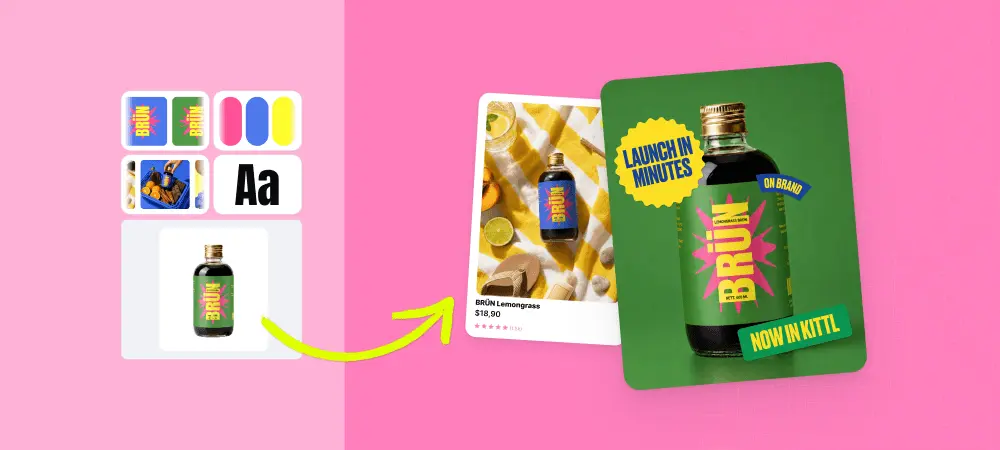
Plug Kittl into ChatGPT or Claude. Turn one product photo into a month of social posts or a full listing set. Turn one best-seller into a new drop. All on-brand and mocked up. Refine in chat or in Kittl.
Connect in under a minute
You’ll need a Kittl account to connect. Create one first, then pick your AI below and sign in when it asks.
- 1
Run the command below in your terminal.
- 2
In Claude Code, run
/mcpand choose Kittl to sign in.
 Claude Code
claude mcp add --transport http kittl https://mcp.kittl.com/mcp- 1
Run the command below in your terminal.
- 2
Sign in to Kittl when Codex opens the browser.
 Codex
codex mcp add kittl --url https://mcp.kittl.com/mcp- 1
Any app that supports remote MCP servers with sign-in works.
- 2
Add the server URL below as a streamable HTTP server, or use this config.
- 3
Sign in to Kittl when the app asks.
 Custom
Server URL
https://mcp.kittl.com/mcpConfig
{
  "mcpServers": {
    "kittl": {
      "url": "https://mcp.kittl.com/mcp"
    }
  }
}One sentence in. A whole set out.
Your AI picks the right Kittl tools, chains them together, generates the results in your chat and saves them to Kittl too. Pick a job to see it run.
Your AI · Kittl connected
Use Kittl to make a week of Instagram posts for my new serum, on-brand with lab4skin.com.
kittl · create-brand-kit-from-urlkittl · generate-media ×7
I pulled your brand from lab4skin.com and made 7 posts for your serum. They’re saved in Kittl too. Want Story versions?
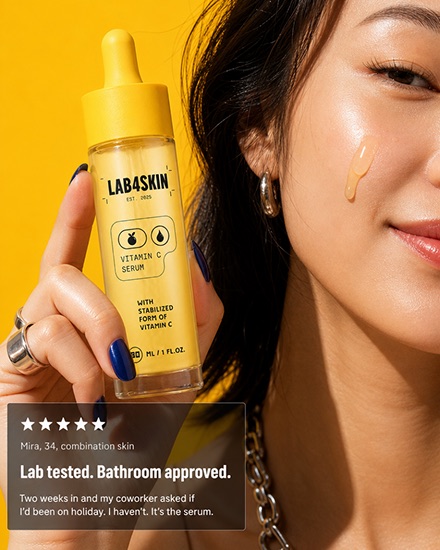
post-1.png
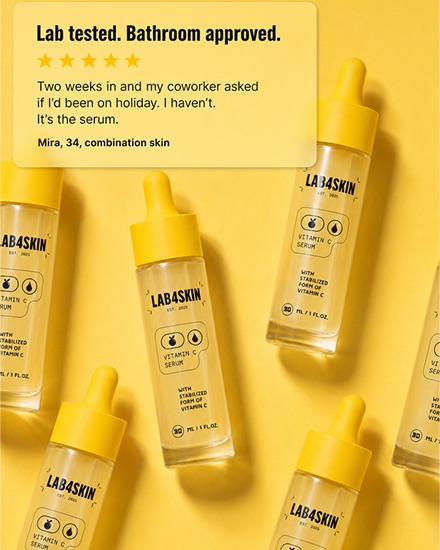
post-2.png
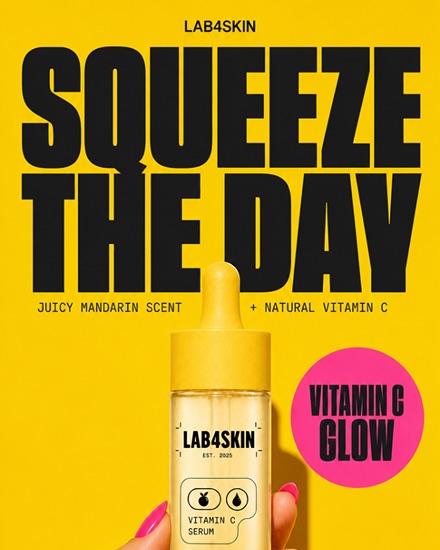
post-3.png + 4 more
Your AI · Kittl connected
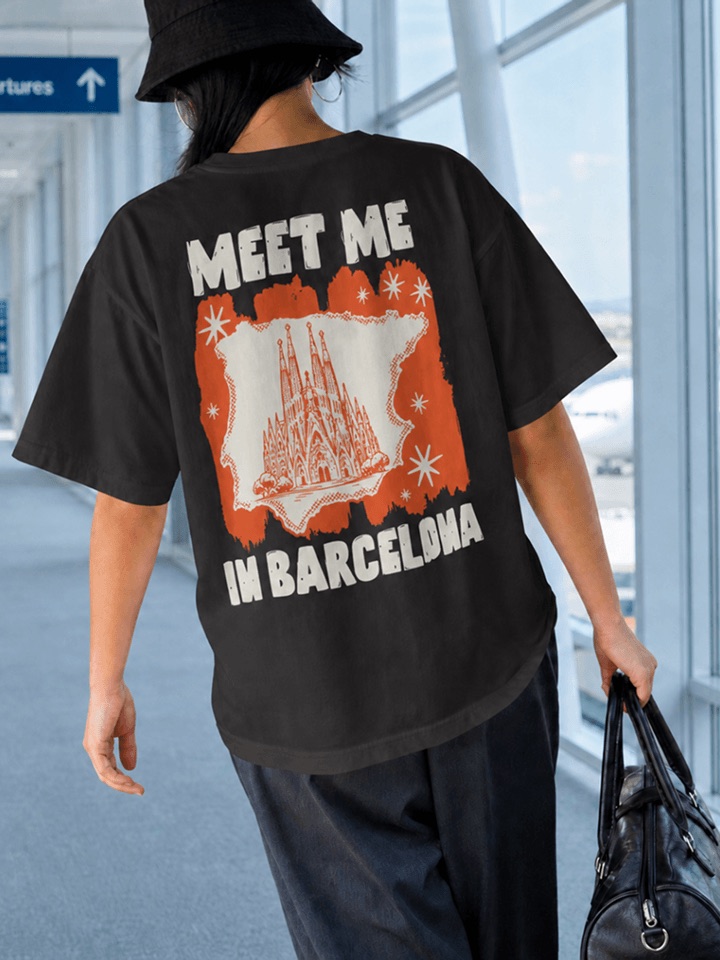
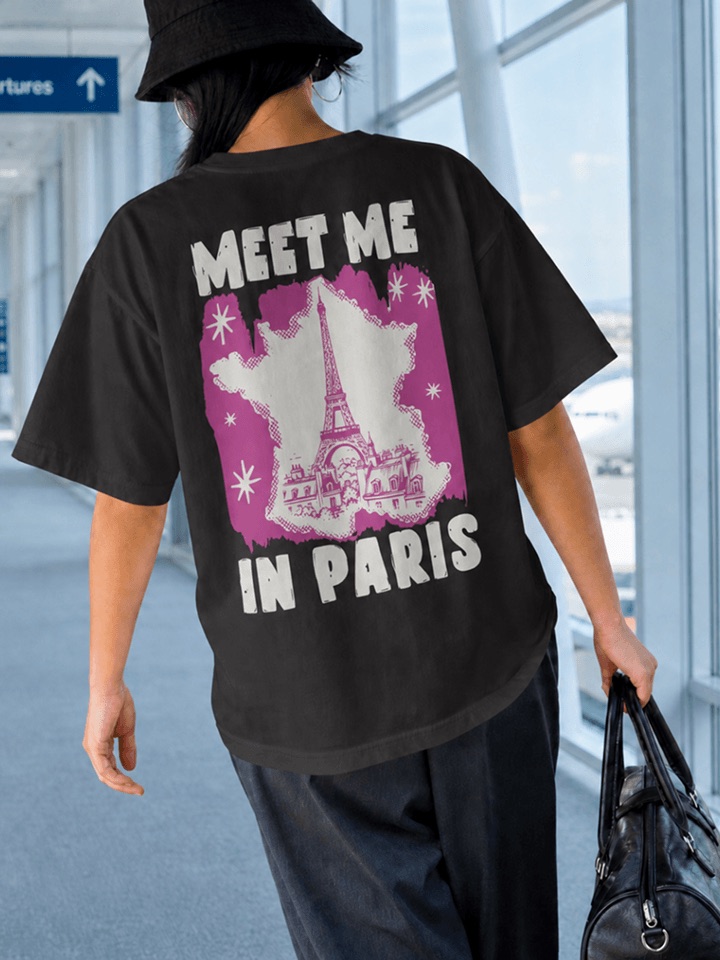
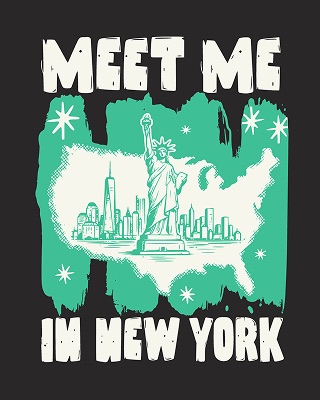
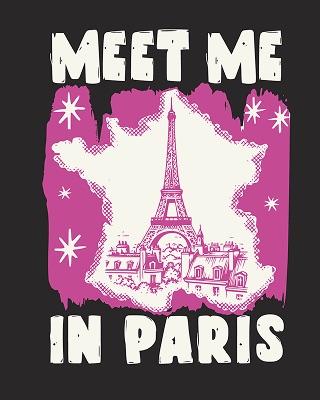
Use Kittl to turn my Sydney design into 5 new city versions.
kittl · generate-media ×5kittl · vectorize-imagekittl · render-mockupHere are 5 new cities, vectorized and mocked up like your Sydney shirt. All saved to a new Fall drop folder.
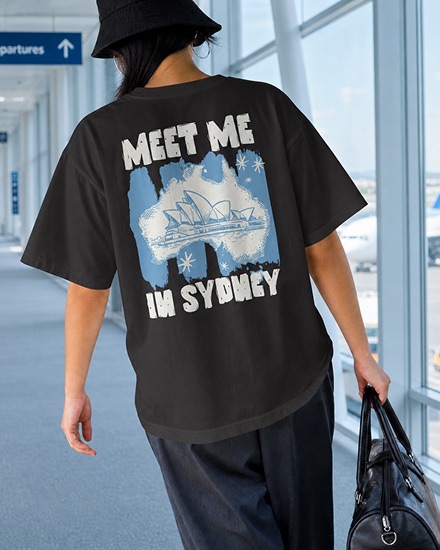
Sydney-original.png
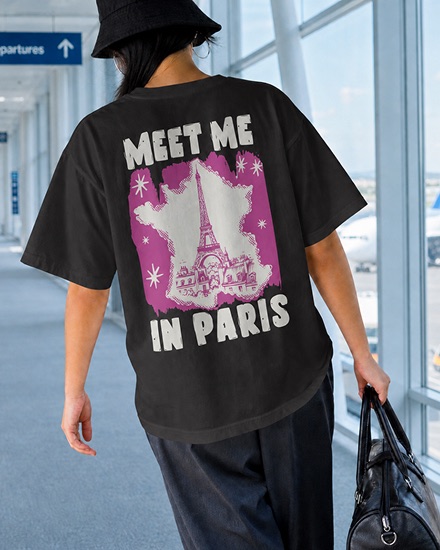
Paris.png
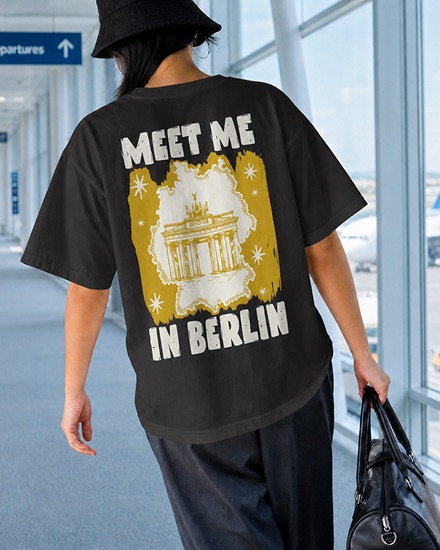
Berlin.png + 3 more
Your AI · Kittl connected
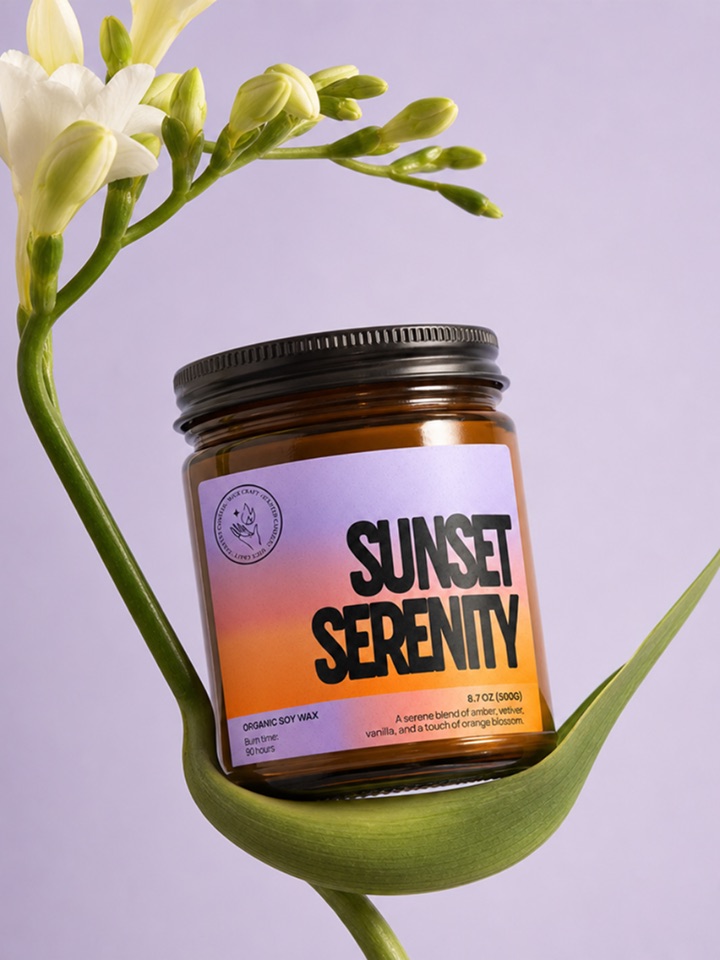
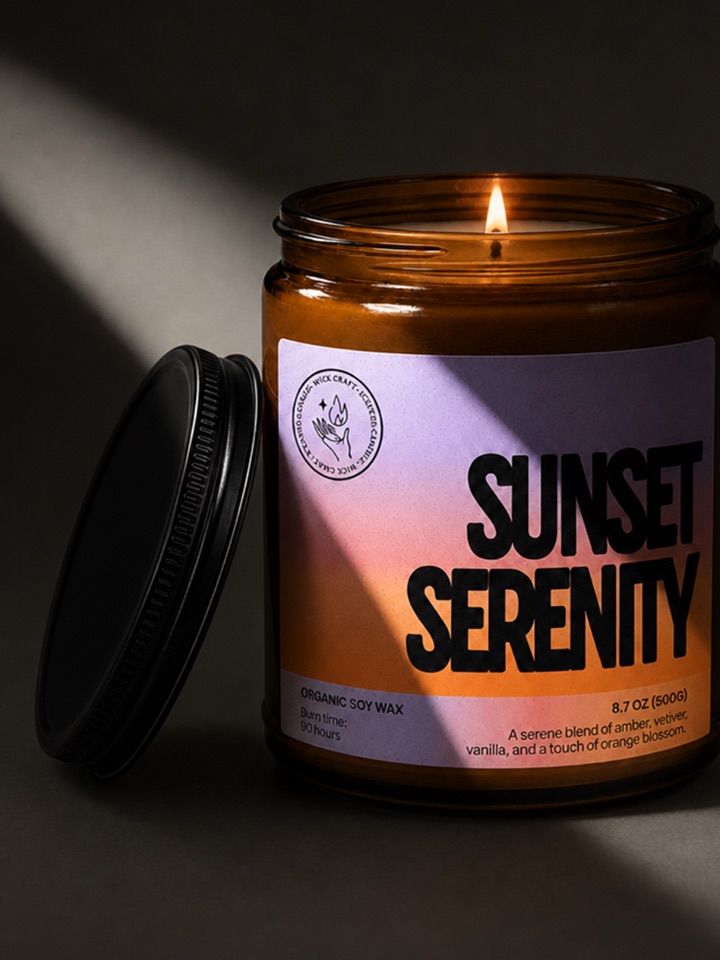
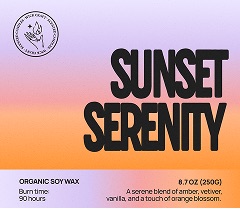
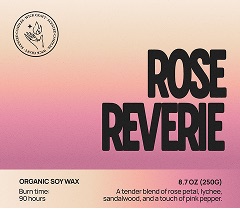
Use Kittl to create listing images for my 5 new candles, matching my Etsy listing.
kittl · run-ai-workflow ×5kittl · render-mockupHere are your 5 new candles in the same angles and style as your Etsy listing. Want short videos too?
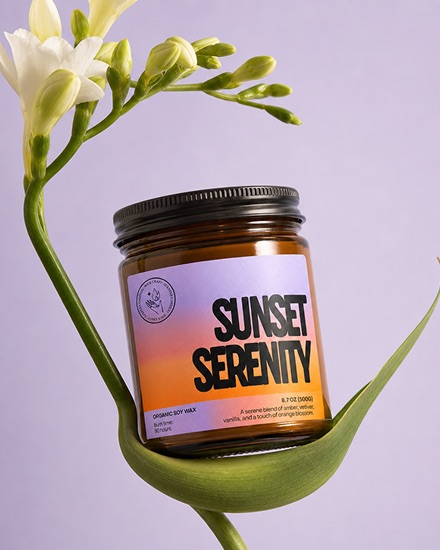
sunset-serenity-1.png
sunset-serenity-2.mp4
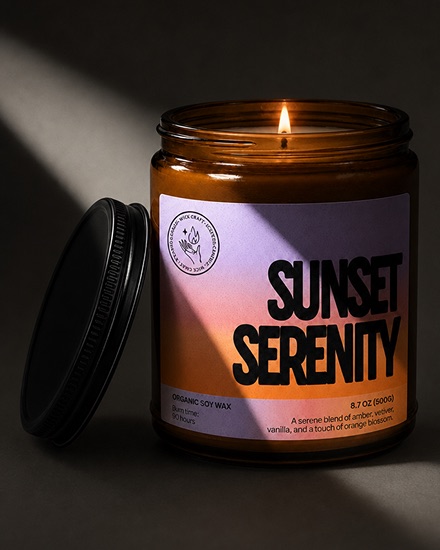
sunset-serenity-3.png + 12 more
Your AI · Kittl connected
Use Kittl to remove the backgrounds and upscale all candle photos in my Fall drop folder.
kittl · remove-image-background ×12kittl · upscale-imageDone. 12 candles cut out and upscaled 4×, saved to a new Fall drop ready folder.
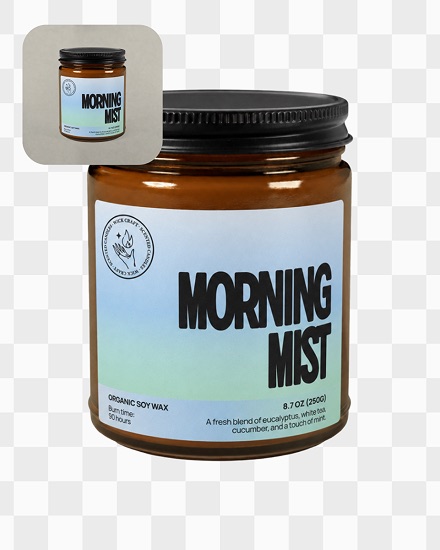
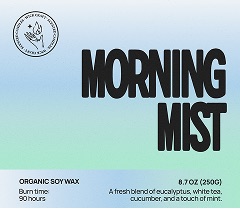
morning-mist.png
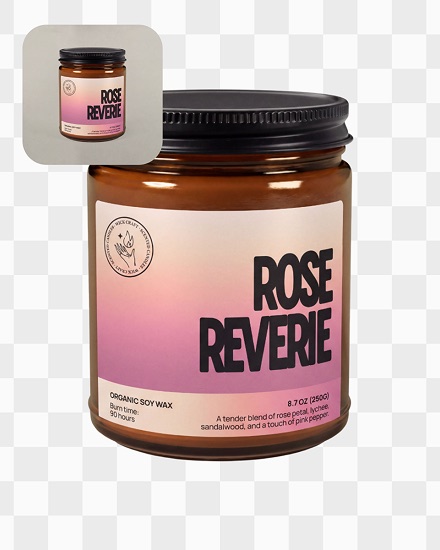
rose-reverie.png
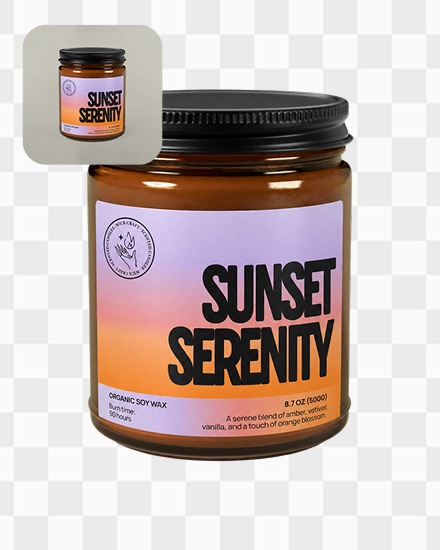
sunset-serenity.png + 9 more
Kittl, inside the AI you already use
Connect once, and your AI can use Kittl’s design tools for you.
The whole workflow in one chat
Plan, create, mock up and refine in Claude or ChatGPT. No switching tools, no downloads and re-uploads.
Design skills and your brand, built in
Workflows built by designers and your Brand Kit keep every image on-brand, not generic AI.
One request, a whole drop
Run the same workflow on every product or a whole folder at once. Set it up once, reuse it for every new launch.

The whole Kittl toolkit, one prompt away
The same tools you use in Kittl, available to your AI. It can chain them in one request, on one image or a whole folder.
Generate images
Every image model and style in Kittl, picked for you or by name.
"Turn my Sydney best-seller design into 3 more cities"Generate video
Turn a still or a prompt into a short clip for socials.
"Animate my candle shot into a 5s loop"Brand kits from a URL
Paste a website and get its logo, colours and fonts as a Kittl brand kit.
"Build a brand kit from lab4skin.com"AI workflows
Run Kittl’s ready-made workflows: listing sets, product shots, social posts and more.
"Run the product photo workflow on all 5 new candles"Mockups
Drop a design onto t-shirts, mugs, posters and packaging.
"Put my 10 city designs on tees and hoodies"Clean up images
Remove backgrounds and upscale for print, one image or a whole folder.
"Cut out and upscale every photo in my Fall drop folder"Vectorize
Turn a sketch or a raster logo into clean, scalable vectors.
"Vectorize all 20 designs in my Fall drop folder"Your workspace
Find projects, file results into folders and save to your library.
"Save these to a new Fall drop folder"


Questions
Everything you need to know before you plug Kittl into your AI.
MCP (Model Context Protocol) is an open standard that lets AI assistants use other apps. Connecting the Kittl MCP gives your assistant Kittl’s design tools, so you can ask for designs in the chat you already use.
Yes. Create a free Kittl account before you connect: your AI will ask you to sign in with it, and everything it makes is saved there.
Connecting is free. Generations use the same Kittl credits as they do in Kittl itself, so what you can make depends on your plan.
*Connect Kittl to ChatGPT or Claude on any paid plan and we’ll add 1,500 tokens to your account. That’s 300 images with GPT Image 2.5 Flare. Other models use more tokens per image. Your free tokens last 7 days from when you connect.
Claude, ChatGPT, Claude Code and Codex, plus any other app that supports remote MCP servers with sign-in.
Only what you approve. You sign in with Kittl and approve the app before it gets access, it can only act as you, and you can disconnect it from your AI’s settings at any time.
Every image comes straight back into the chat, so your AI can keep refining it or you can use it elsewhere, and it’s saved to your Kittl workspace so you can edit it in Kittl any time.
Stop clicking. Start asking.
Free to start. Pick your AI, connect Kittl and turn one request into a whole drop.